Categories
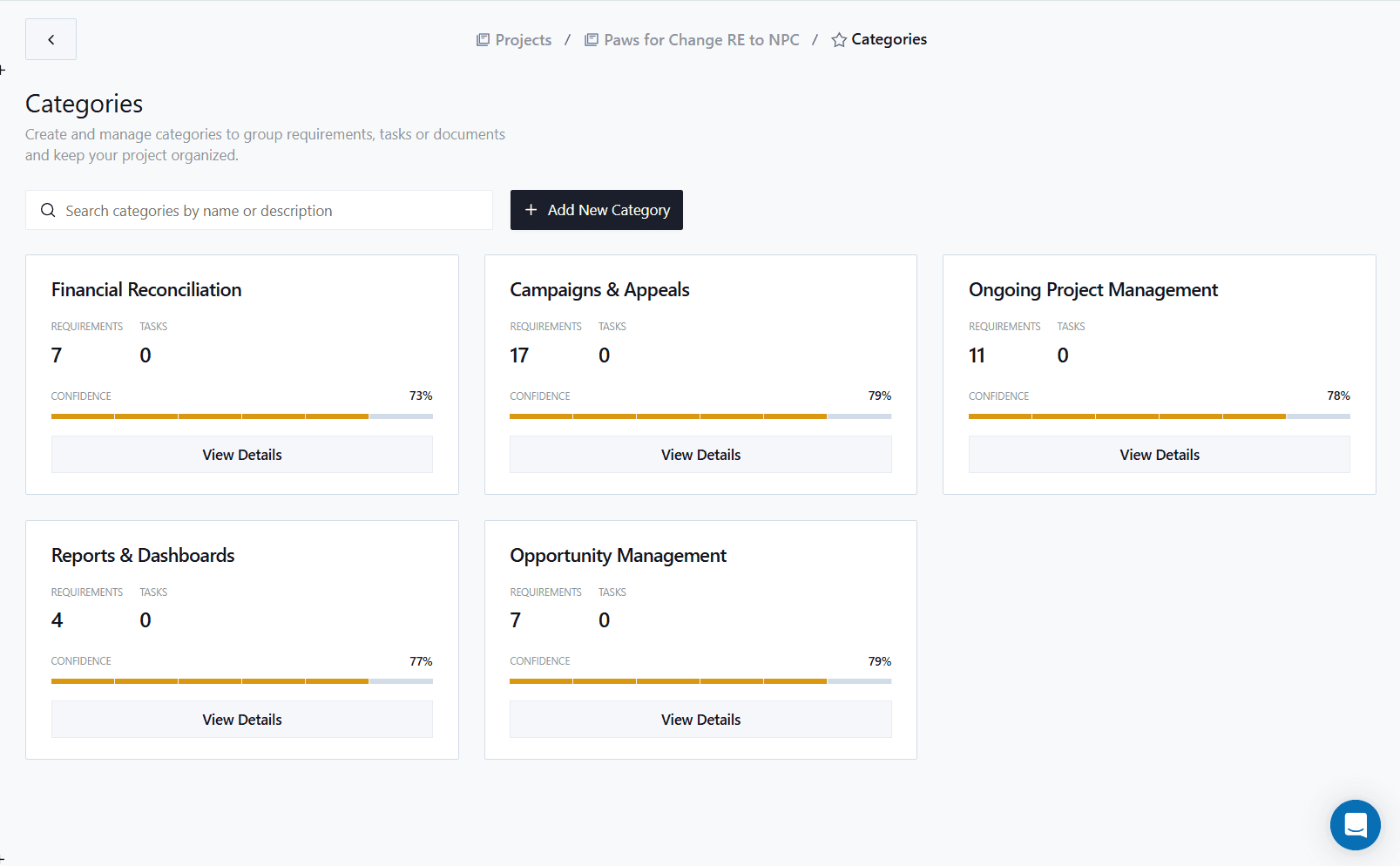
Find risks early and improve a collection of requirements at once. Glossa automatically organizes requirements into Categories, then analyzes each one for weaknesses you can fix before delivery starts.
Curated Collections
Glossa automatically assigns every requirement to a Category - the logical buckets your team actually thinks in. Categories are unique to your organization and stay consistent across projects, so "Data Migration" on this project means the same thing as "Data Migration" on the last one.
Complete Assessment
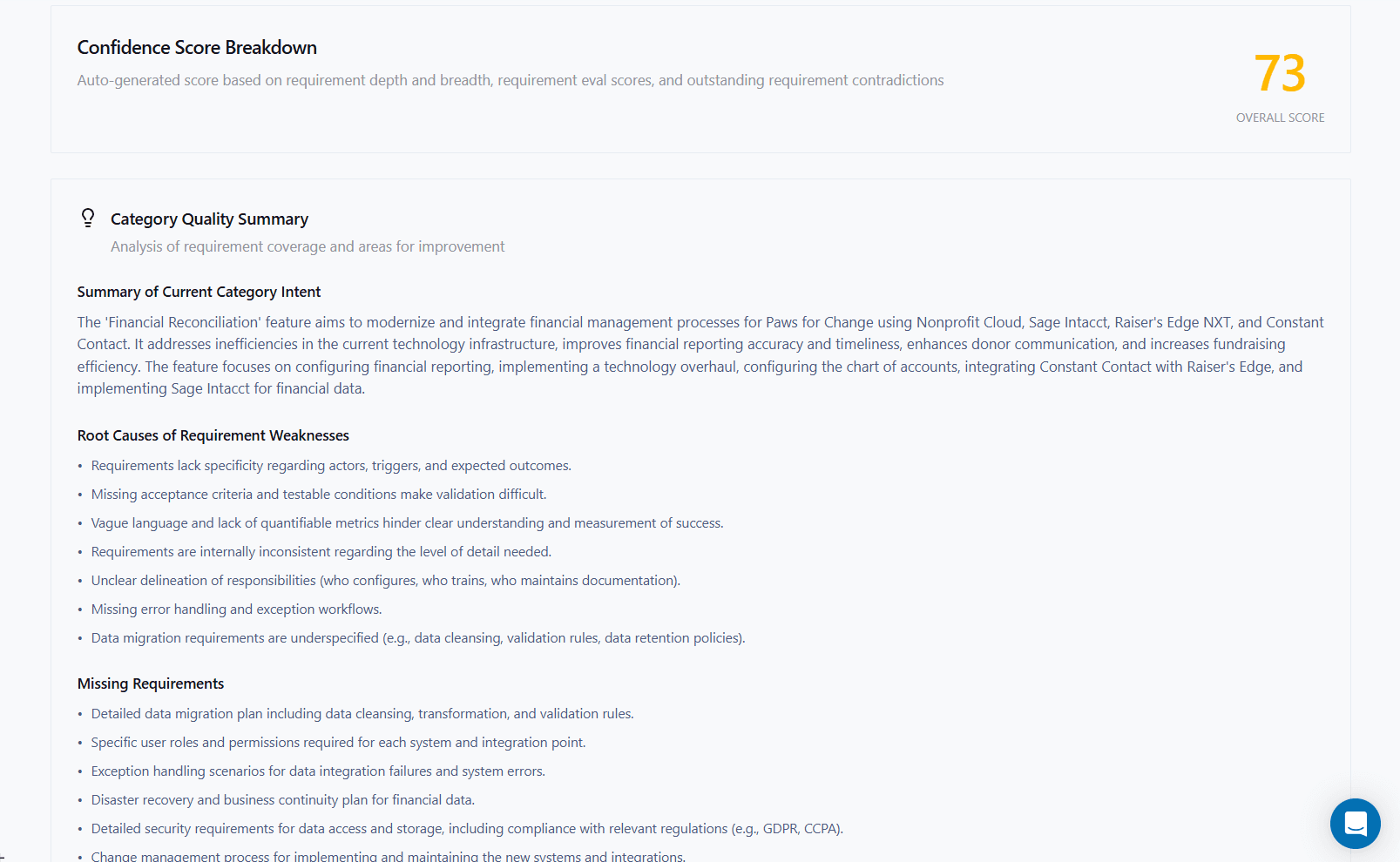
Each Category gets a confidence score and an analysis of what's missing. Glossa identifies the requirements that should exist in this category but don't - so you can add them now, not after the dev team's already in flight.
Guided Improvements
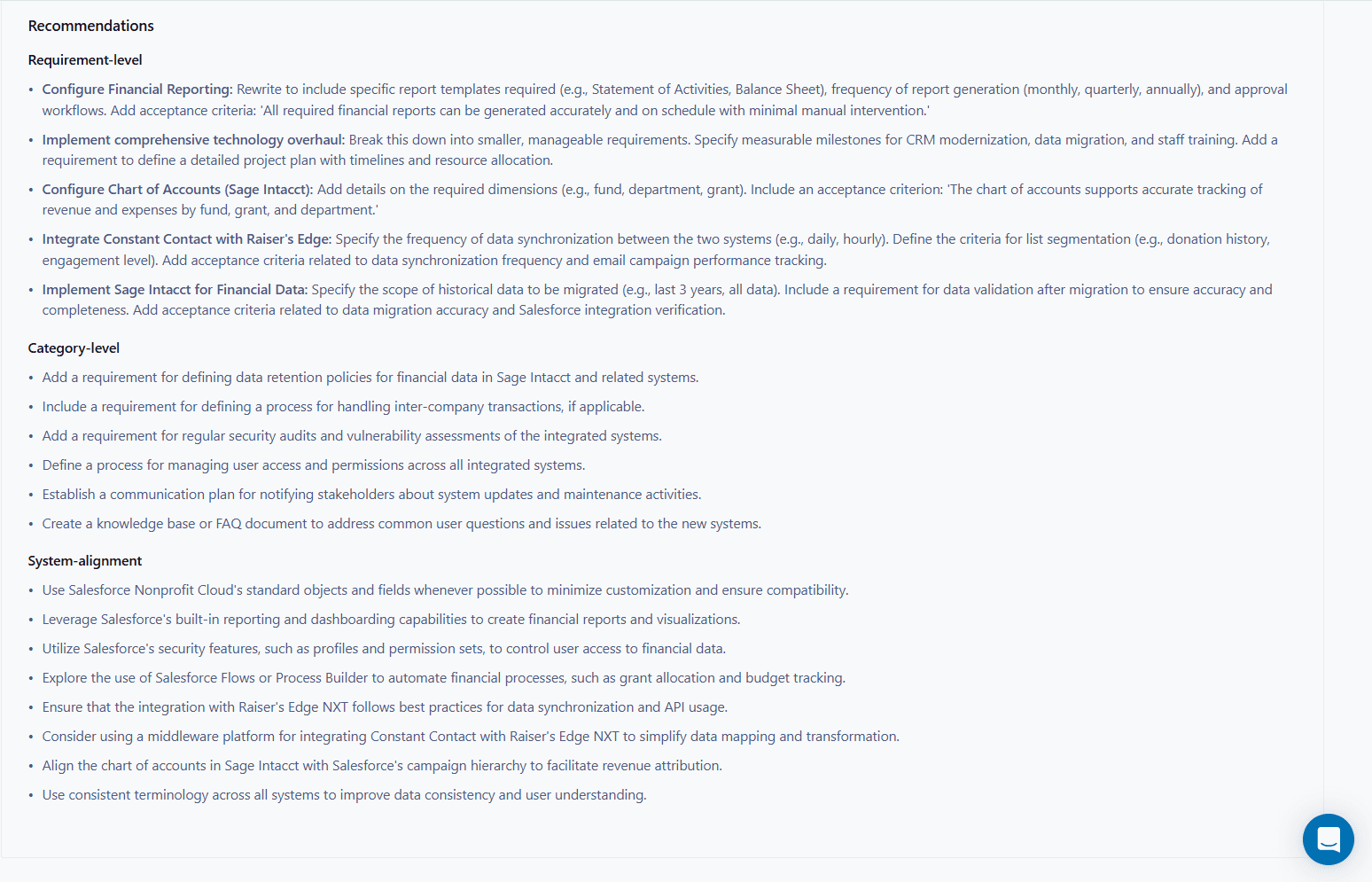
Glossa recommends clear next steps for improving individual requirements within the Category, and for strengthening the Category as a whole. Tangible, specific, actionable - no vague "consider adding more detail."

Connected to your Capabilities Library
Categories on your project map directly to the Categories in your Capabilities Library - so the way you organize requirements here is the same way your team's institutional knowledge is organized everywhere else. Scoping a new project? Glossa already knows what "Data Migration" usually looks like for your team.